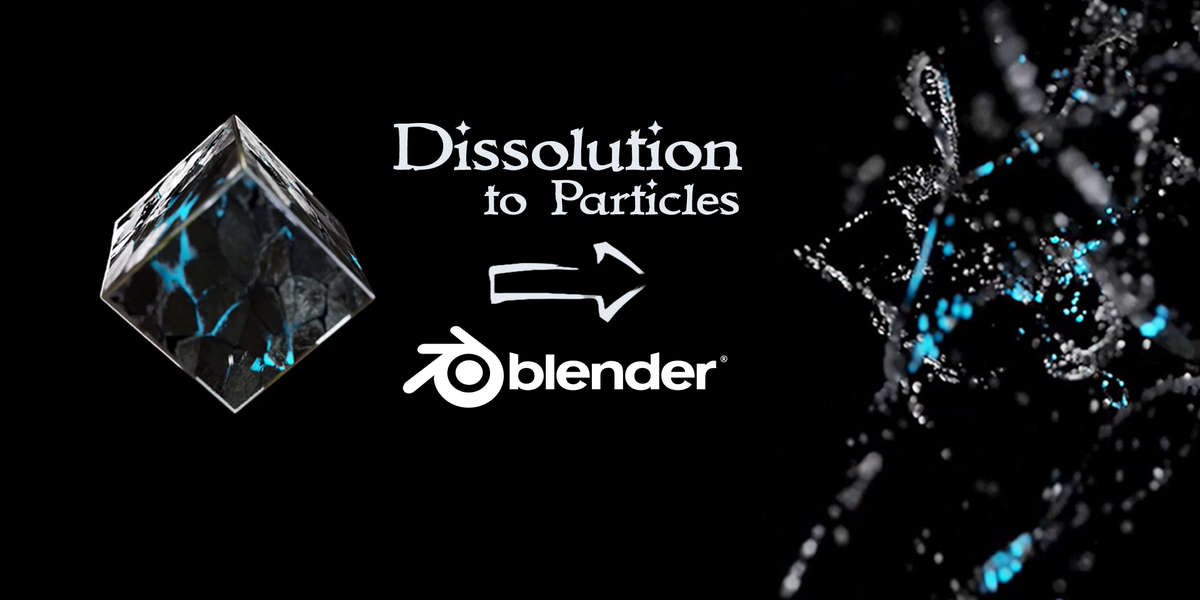
The Dissolution Suite combines both particle swarm dispersion and cohesive fluid-mesh disintegration into a unified Geometry Nodes toolkit for Blender.
Get both dissolution methods in one bundle at a discount. Each setup is standalone and non-destructive—apply the modifier to any mesh, adjust the exposed parameters, and drive the effect via keyframes, proximity, or empty controllers.
With this geometry node groups, you can measure your 3D models and export the technical data with your model. Easy for rendering or upload them to sketchfab. Use by adding the Geometry nodes group to a loose edge and adjust the parameters. Angles and distances can be measured, and we are currently supporting meters, centimeter, millimeters, inches, feet, degrees and radians automatically. The annotations arrow can be used to add additional information to your models. The measurements can easily be animated by hook modifiers, shape keys or bones, where your measurements update in real time.
BLENDER 3.1.0
Dimensions: m/cm/mm/inch/feet
Radius: m/cm/mm/inch/feet
Radial length: m/cm/mm/inch/feet
Angles: Degrees/Radians
Annotations: Text input