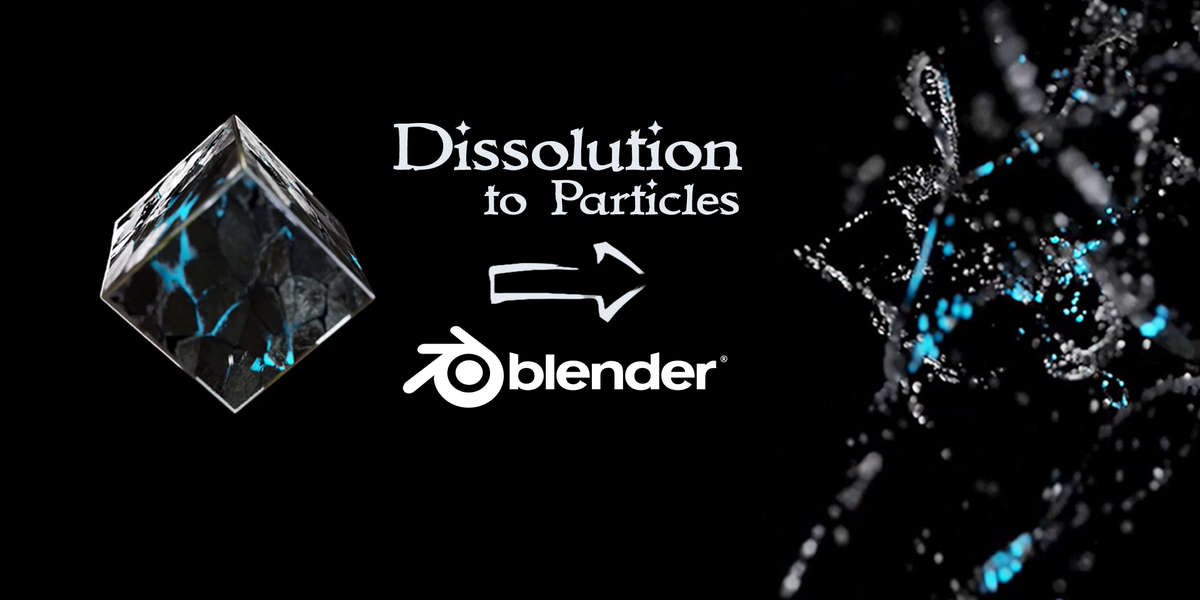
The Dissolution Suite combines both particle swarm dispersion and cohesive fluid-mesh disintegration into a unified Geometry Nodes toolkit for Blender.
Get both dissolution methods in one bundle at a discount. Each setup is standalone and non-destructive—apply the modifier to any mesh, adjust the exposed parameters, and drive the effect via keyframes, proximity, or empty controllers.
This tool uses Geometry Nodes and curves to generate chains for the most common uses, because it's highly customizable.
You can attach the curve to a surface to create a chain or a bracelet.
There are controls for radius, tilt, width, bevel, roundness, rotate... everything updated in realtime and as it uses instances, you can work dont need to care about performance while using it.
It already comes with a chain material that will work in most situations and UVs, stored on the Atributes.
To use that you just need to Append the "chain.blend" to your scene
Create a curve to add a Geometry Nodes modifier, and select the "CHAINGEN"
You can watch the video above to see how to use it.
https://www.youtube.com/watch?v=OWfPjSGB1nU