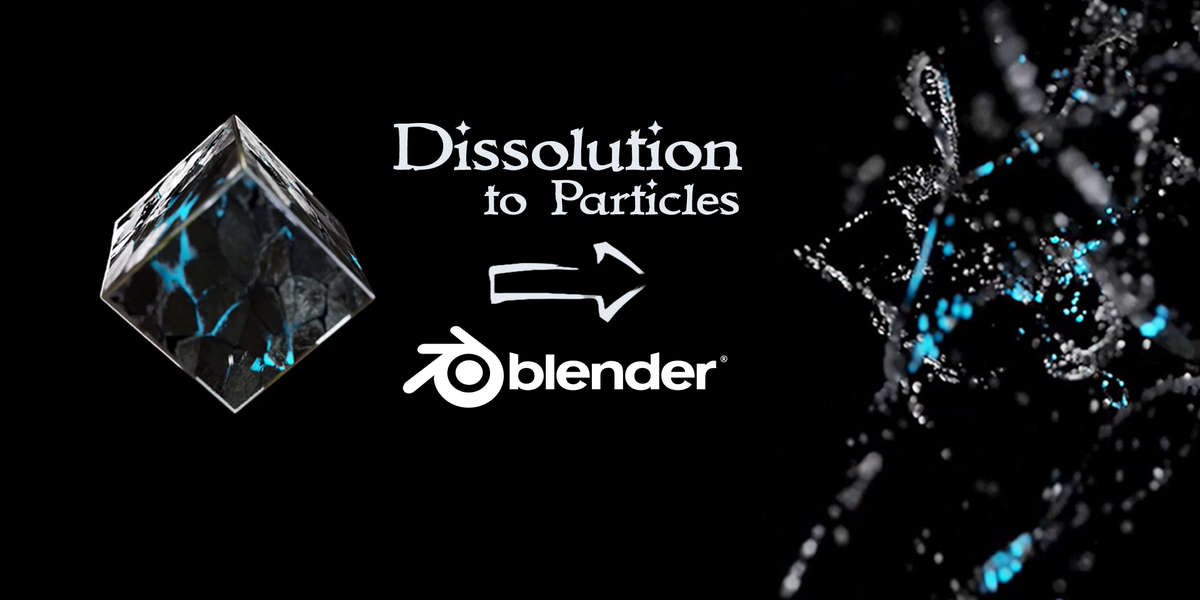
The Dissolution Suite combines both particle swarm dispersion and cohesive fluid-mesh disintegration into a unified Geometry Nodes toolkit for Blender.
Get both dissolution methods in one bundle at a discount. Each setup is standalone and non-destructive—apply the modifier to any mesh, adjust the exposed parameters, and drive the effect via keyframes, proximity, or empty controllers.
This tool made with Geometry Nodes allows you to quickly scatter a layer of geometry dust on the surface of an object in a very realistic way. As it uses instances, you can scatter millions of instances without using too much memory.
Why should you use this?
Well, dust is everywhere so you may want to add a little bit of it in your close up renders.
This is far better them using just textures because it allows you to apply the effect to an entire collection and as this is not resolution dependent, you will gonna get high details on low res objects
Using particles to do this will for sure make you waste a lot of time and even them you will not gonna have the same result.
You can go really crazy with this, because the tool has settings to show a lighter version on the viewport so you can work on this without having performance issues.
It comes with a control to determine lower the amount of instances on the viewport while keeping the full density at the render time.
You can mask a region to preview the full density in an area without exploding your pc while you are working and it has a checkbox that let you to show only basic points on the viewport, with also increases performance.
To use this you just need to append the "DustGen" to your scene while selecting the "DUSTGEN" inside the "NodeTree" folder. Apply the transformations of the object and add the Geometry Node "DUSTGEN" modifier to your object.