Data visualisation addon brings charts into Blender. You can load your data and visualise it using tools addon provides. Make the visualisations suit your needs by using various customization, animation or colour options.
# PlayStation 1 / PSX Anniversary — Documentation
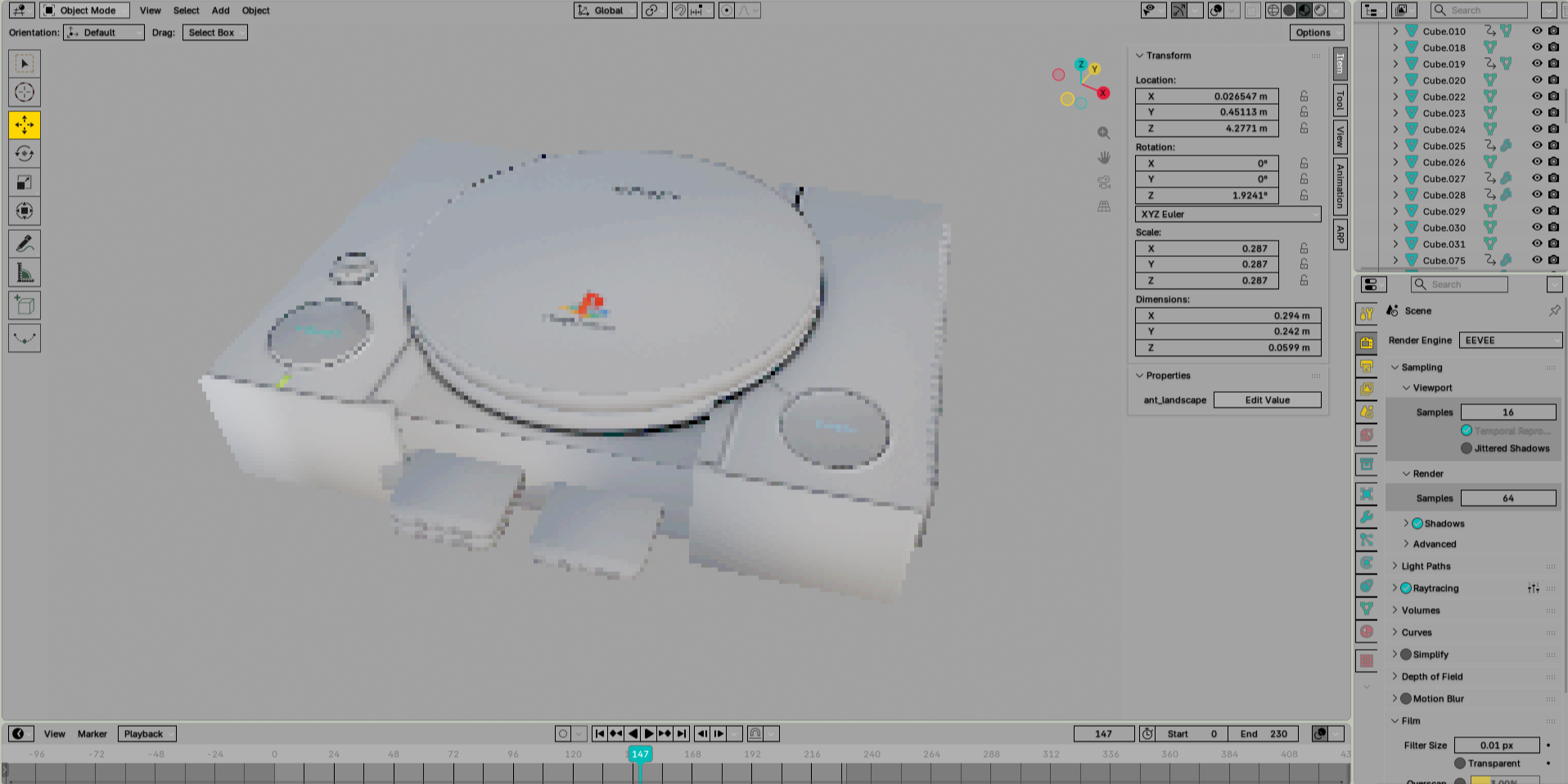
Celebrate the classic era of 3D gaming with a Blender theme inspired by the iconic PlayStation 1 aesthetic.
This theme brings a nostalgic retro look to Blender, with a UI inspired by the visual identity and atmosphere of the original PSX era.
## Installation
1. Download the theme file included with your purchase.
2. Open Blender.
3. Go to **Edit → Preferences → Themes**.
4. Click **Install Theme**.
5. Select the downloaded theme file.
6. Apply the theme.
That's it — Blender is ready for some retro 3D work.
## Compatibility
The theme is designed for modern versions of Blender.
Some interface elements may vary slightly between Blender versions due to changes in Blender's UI.
## Customization
You can further customize individual colors and interface elements through **Edit → Preferences → Themes** after installation.
## Support
If you experience any issues installing or using the theme, please contact me through Superhive and I'll be happy to help.
**Enjoy the PSX nostalgia.**