Make your product the hero. CineShot brings 23 camera moves, nine studio lighting setups, automatic framing, and saved camera looks to Blender - all in one compact workflow.
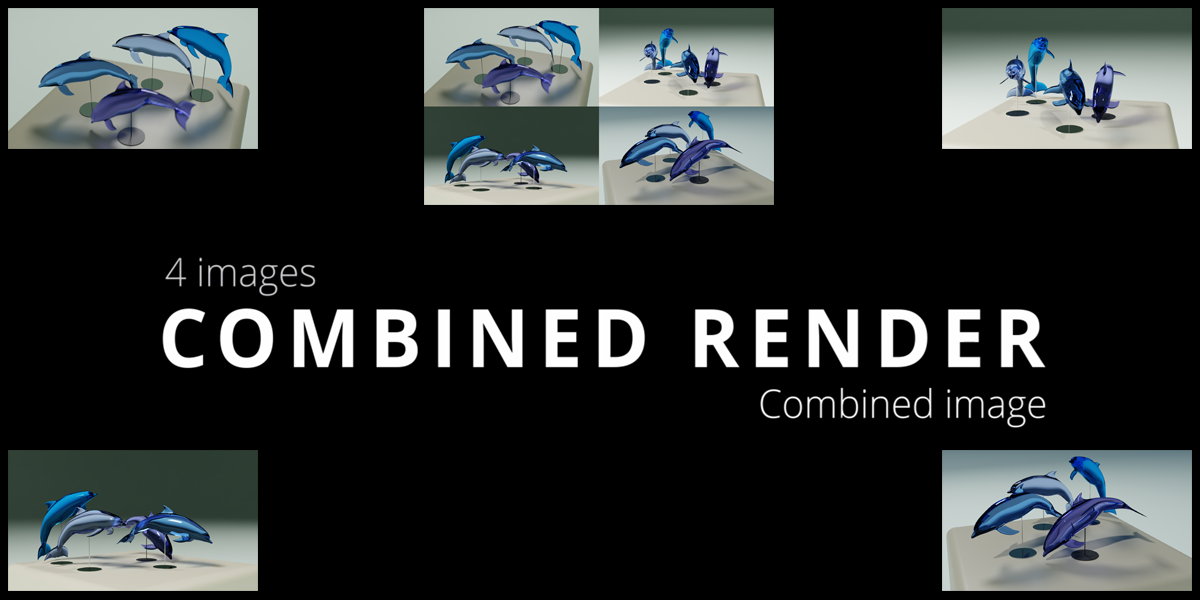
The combined render add-on will render a combined image and 4 separate images.
There can be switched between scenes in the panel to make adjustments in each scene or to the settings of the camera.
So you can have in one go 4 seperate rendered images of your 4 camera views and 1 combined render of these 4 views.
As soon as the rendering is done, the folder opens where the images are saved.
With the 'Objects Camera' panel you can make a more 'product like' render.
4 cameras are added to the scene with already setup locations (Front, Top, Left, Right).
Each camera will always be pointing to the selected object.
The render result is 4 images (Front, Top, Left, Right) and a combined image of those 4 views.
But the camera settings can always be changed to other locations.