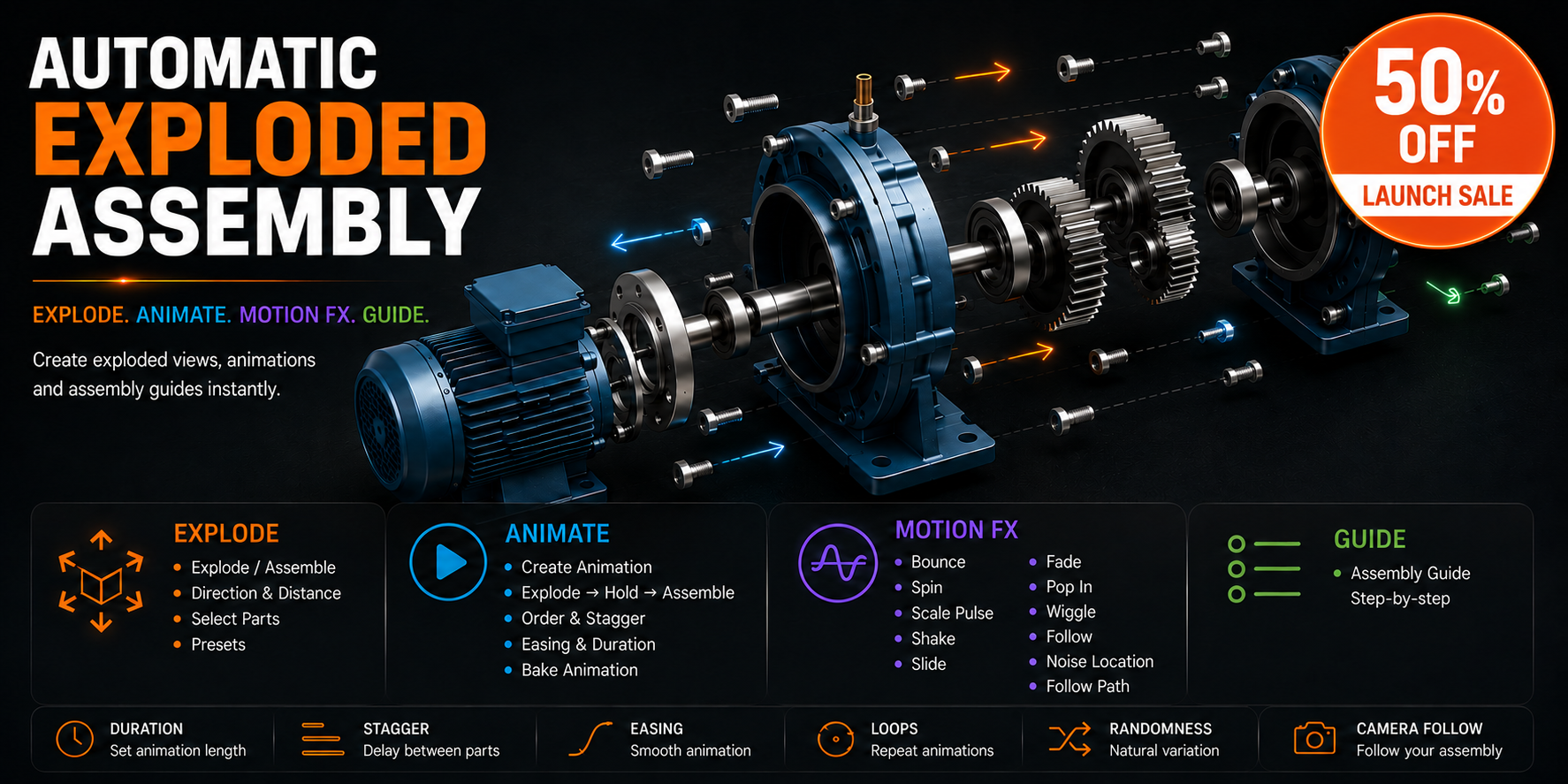
Create exploded views, assembly animations and step-by-step assembly guides in Blender. Includes animation tools, Motion FX, camera tools, presets and more.
# PlayStation 1 / PSX Anniversary — Documentation
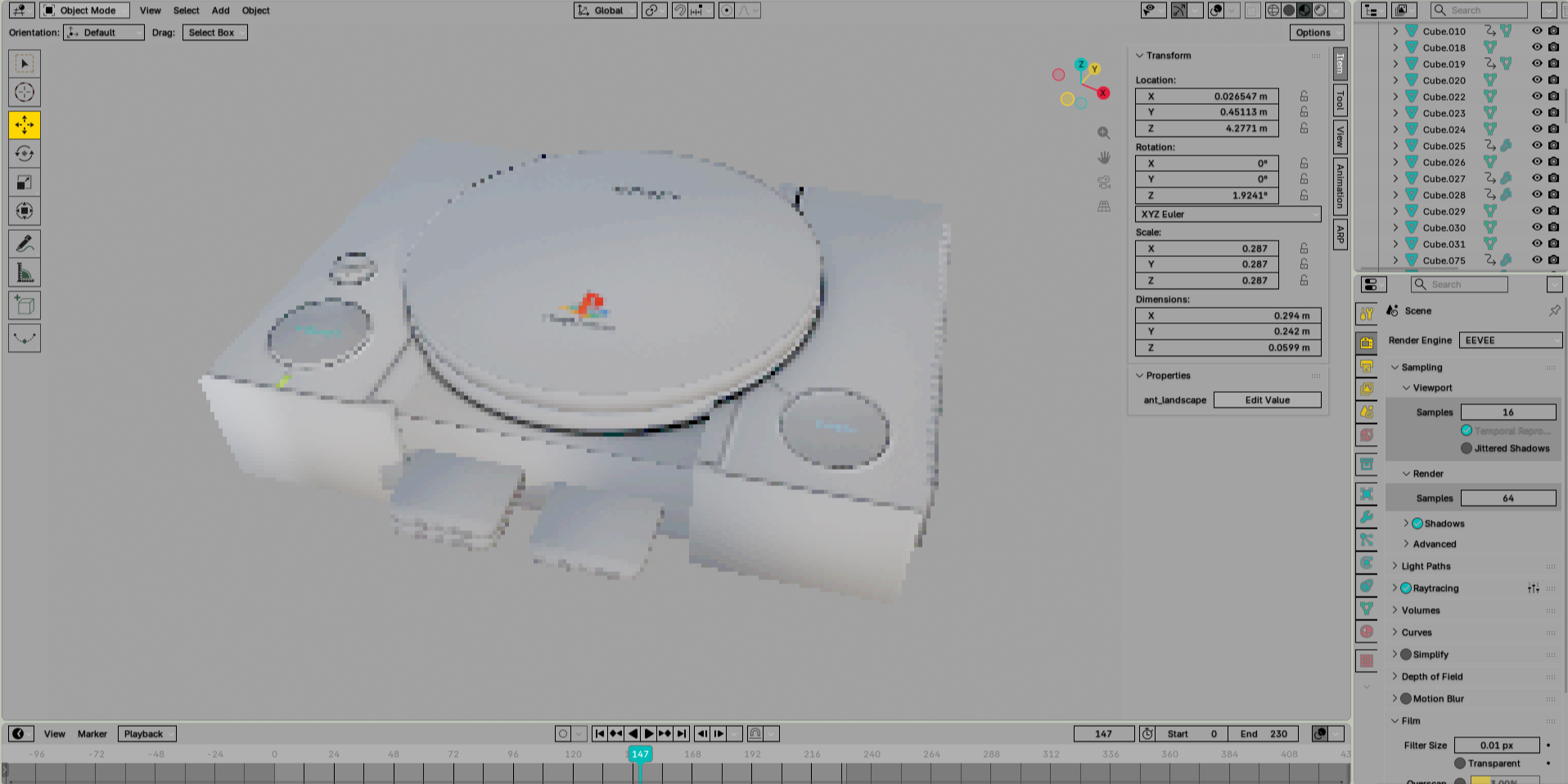
Celebrate the classic era of 3D gaming with a Blender theme inspired by the iconic PlayStation 1 aesthetic.
This theme brings a nostalgic retro look to Blender, with a UI inspired by the visual identity and atmosphere of the original PSX era.
## Installation
1. Download the theme file included with your purchase.
2. Open Blender.
3. Go to **Edit → Preferences → Themes**.
4. Click **Install Theme**.
5. Select the downloaded theme file.
6. Apply the theme.
That's it — Blender is ready for some retro 3D work.
## Compatibility
The theme is designed for modern versions of Blender.
Some interface elements may vary slightly between Blender versions due to changes in Blender's UI.
## Customization
You can further customize individual colors and interface elements through **Edit → Preferences → Themes** after installation.
## Support
If you experience any issues installing or using the theme, please contact me through Superhive and I'll be happy to help.
**Enjoy the PSX nostalgia.**