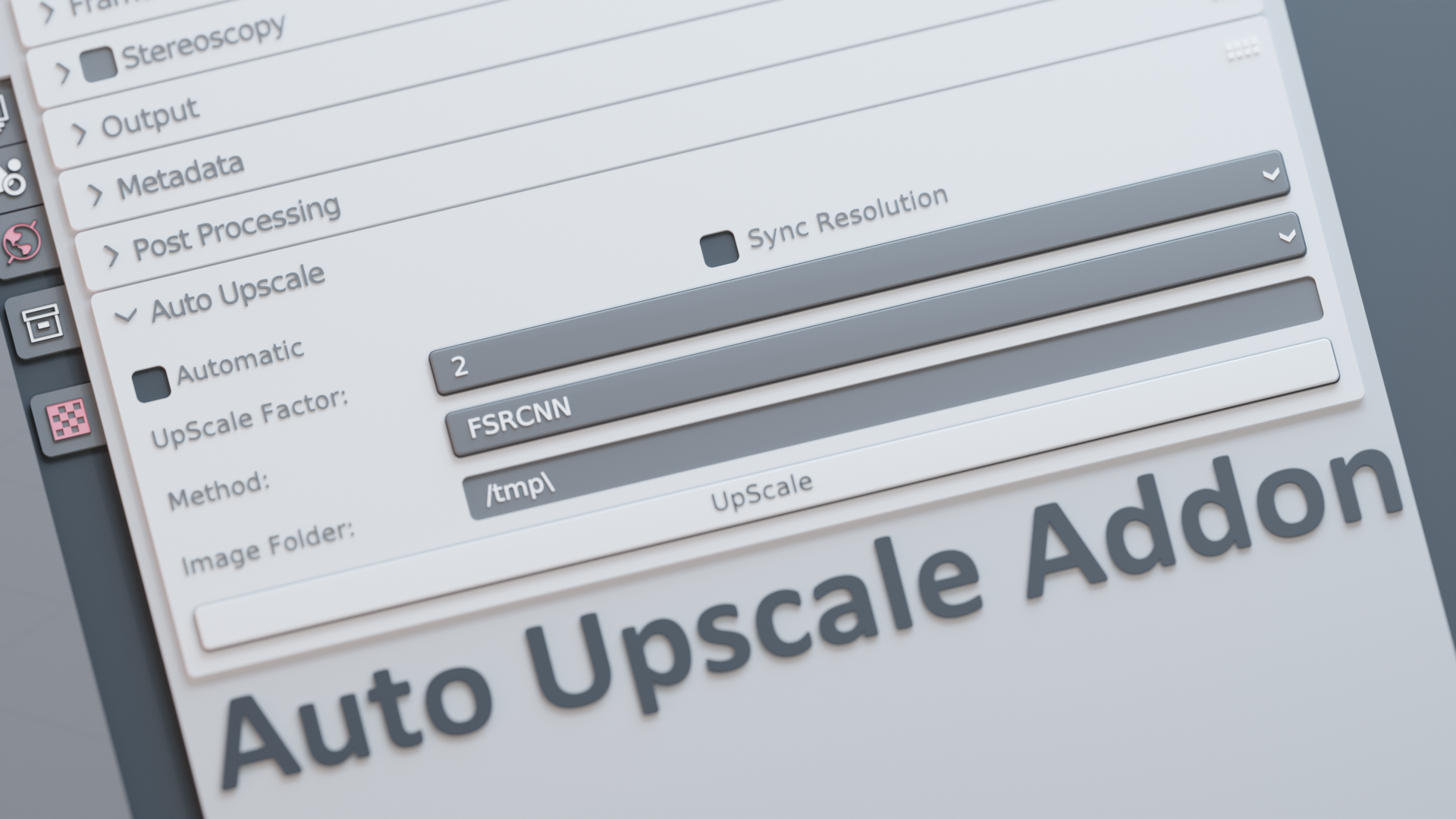
Auto Upscale Addon
- Creator
- Nathan H
- Price
- $6.50
- List price
- $6.50
- Sale status
- Not on sale
- Published
Listing description
🚀 Elevate Your Rendering Quality with Auto Upscale Add-on for Blender! 🌟 Effortlessly enhance your rendered images by choosing Auto Upscale. Achieve superior resolutions and visual quality with just a few clicks! 🖼️ Effortless Upscaling: Seamlessly scale your rendered images with options like 2x, 3x, 4x, or 8x, offering flexibility for every project. 🤖 Automation or Manual Control: Opt for hands-free upscaling or fine-tune settings manually. The choice is yours within the intuitive Blender interface. ⚙️ Precision Settings: Customize your output with scale factor options, prioritize speed or quality, and sync resolution effortlessly. ⏰ Save Time, Boost Quality: Reduce rendering times significantly, giving you more time to refine and perfect your visual creations. 🎨 Seamless Blender Integration: The Auto Upscale Add-on smoothly integrates into Blender, providing an intuitive interface for a seamless experience. Upgrade your rendering game, save time, and unlock superior visual quality effortlessly. Try Auto Upscale Add-on today and watch your Blender projects reach new heights! 💪🔍🚀 #Blender #Animation #Rendering #AutoUpscaleAddon
Published variants
No published variants listed.