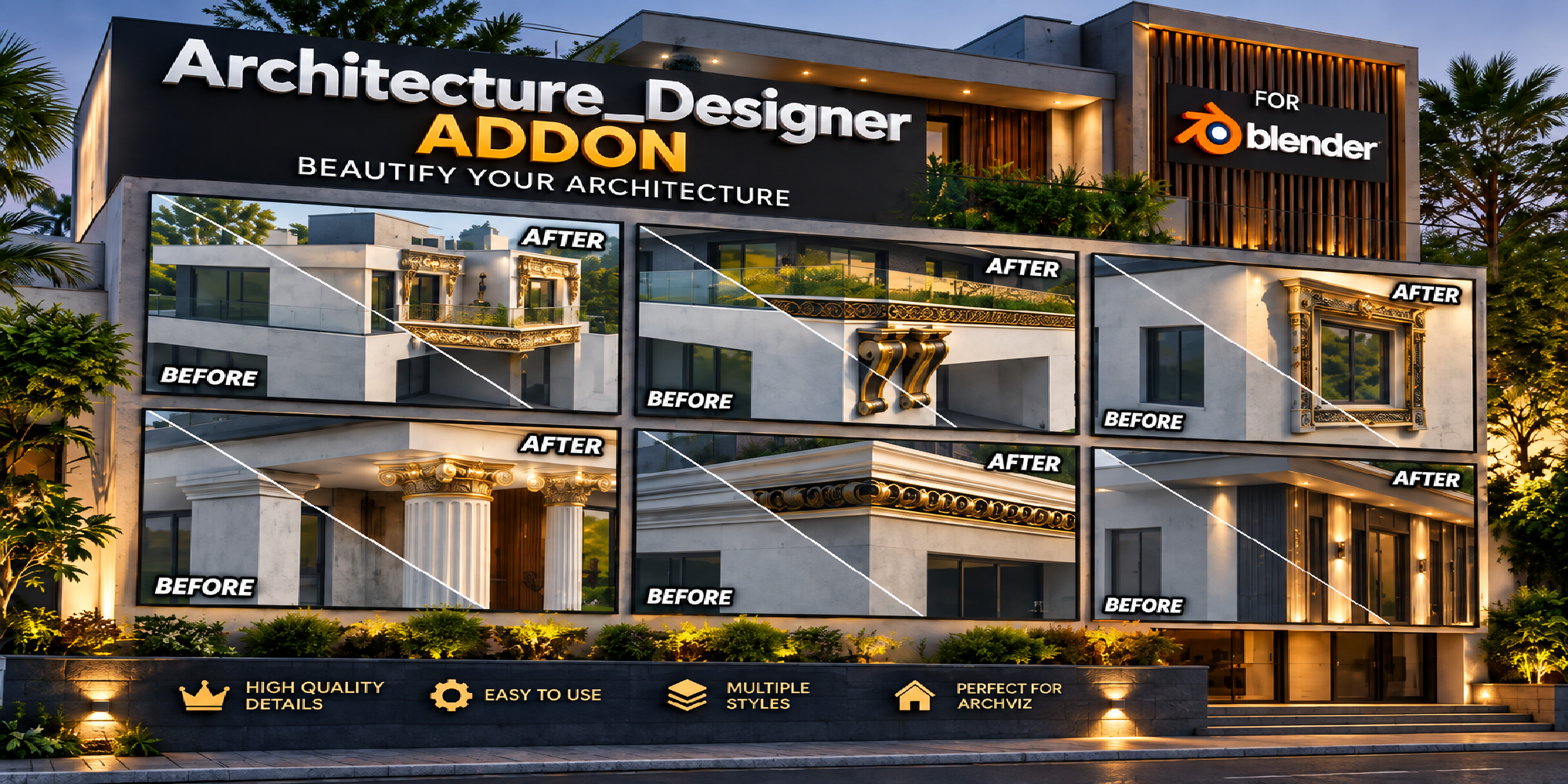
The addon includes 66 architectural designs.
Select the object where you want to apply the design.
Select any edge loop where you want the design to be applied.
Open the Architecture Designer panel and select any design.
Click Import Design to the Edge.
After applying the design, reduce the Scale to fit the design properly.
Increase the X Scale if you want the design to appear more clearly or fit the edge better.
Finally, adjust the Array count from the Modifier tab to extend the design along the edge.
That's it — your architectural design is ready.
🚀 Cut your render times by up to 80% with RenderBoost Addon for Blender! 🎬
Revolutionize your animation workflow and unlock the power of frame interpolation. Generate new frames from existing image sequences to significantly reduce rendering durations. Enjoy smooth motion and enhanced fluidity without compromising visual quality.
🎯 Tailored to Your Needs: Fine-tune settings to strike the perfect balance between rendering time and quality. Customize parameters for precise control over detail and motion accuracy.
⏱️ Save Time for Creativity: Drastically reduce rendering durations, giving you more time to unleash your creative vision and iterate on your animations.
🌟 Seamless Integration: Seamlessly integrate the add-on into your Blender workflow. Enjoy a user-friendly interface and intuitive controls for a streamlined experience.
Don't let long rendering times hold you back. Experience faster renders, captivating visuals, and unprecedented control over your projects. Supercharge your animation workflow with Frame Interpolation Add-on for Blender. Get started today and revolutionize your creative process like never before. 💪✨
Published variants
RenderBoost Pro · Price: $20.00 · List price: $20.00