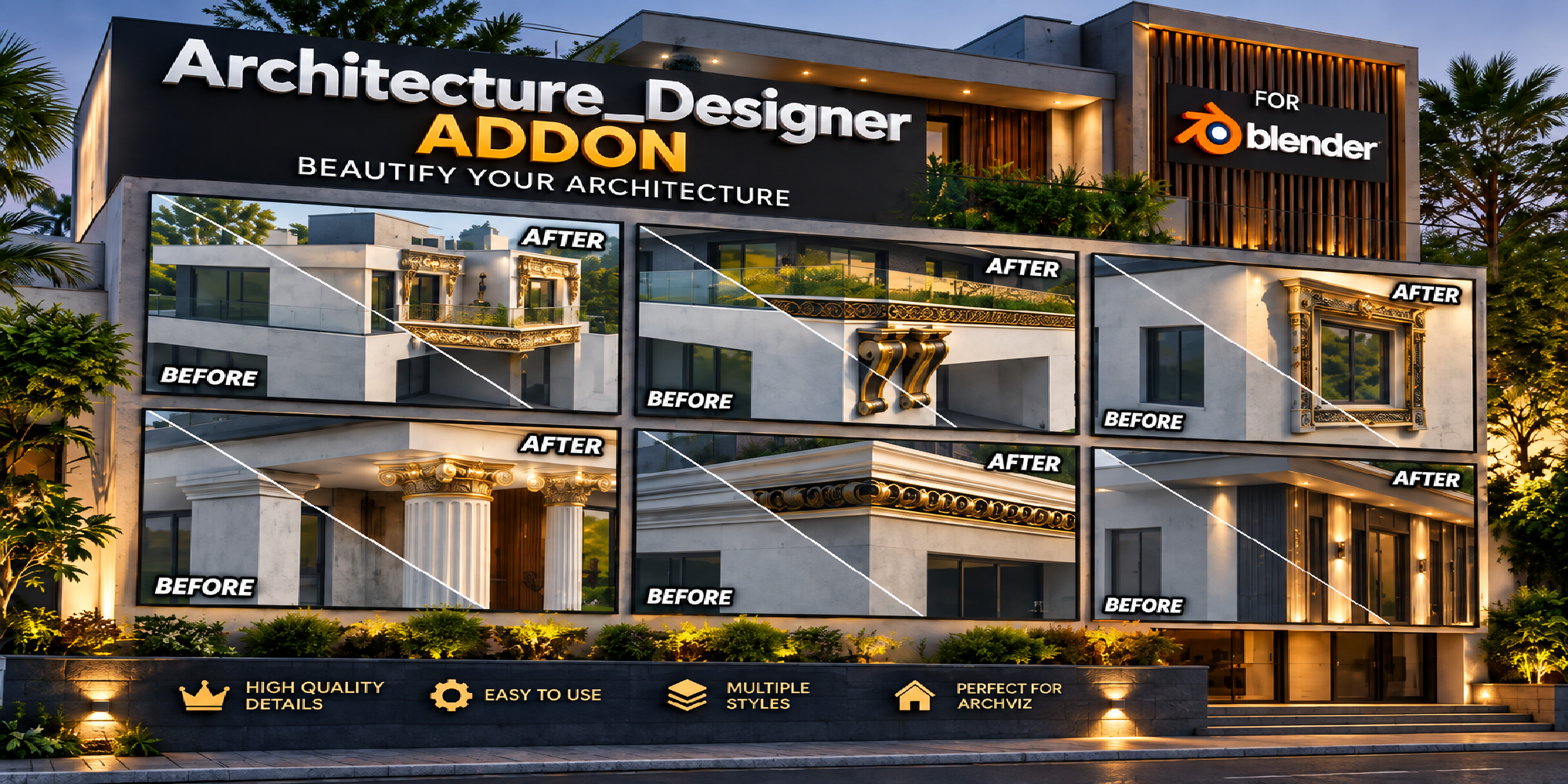
Architecture Designer Blender Addon
- Creator
- Sher Ameen
- Price
- $20.00
- List price
- $20.00
- Sale status
- Not on sale
- Published
Listing description
The addon includes 66 architectural designs. Select the object where you want to apply the design. Select any edge loop where you want the design to be applied. Open the Architecture Designer panel and select any design. Click Import Design to the Edge. After applying the design, reduce the Scale to fit the design properly. Increase the X Scale if you want the design to appear more clearly or fit the edge better. Finally, adjust the Array count from the Modifier tab to extend the design along the edge. That's it — your architectural design is ready.
Published variants
No published variants listed.
