AP Navigation allows you to navigate Blender like Unreal or Unity by holding down the right mouse button and using WASD to move forward, backward, left, and right.
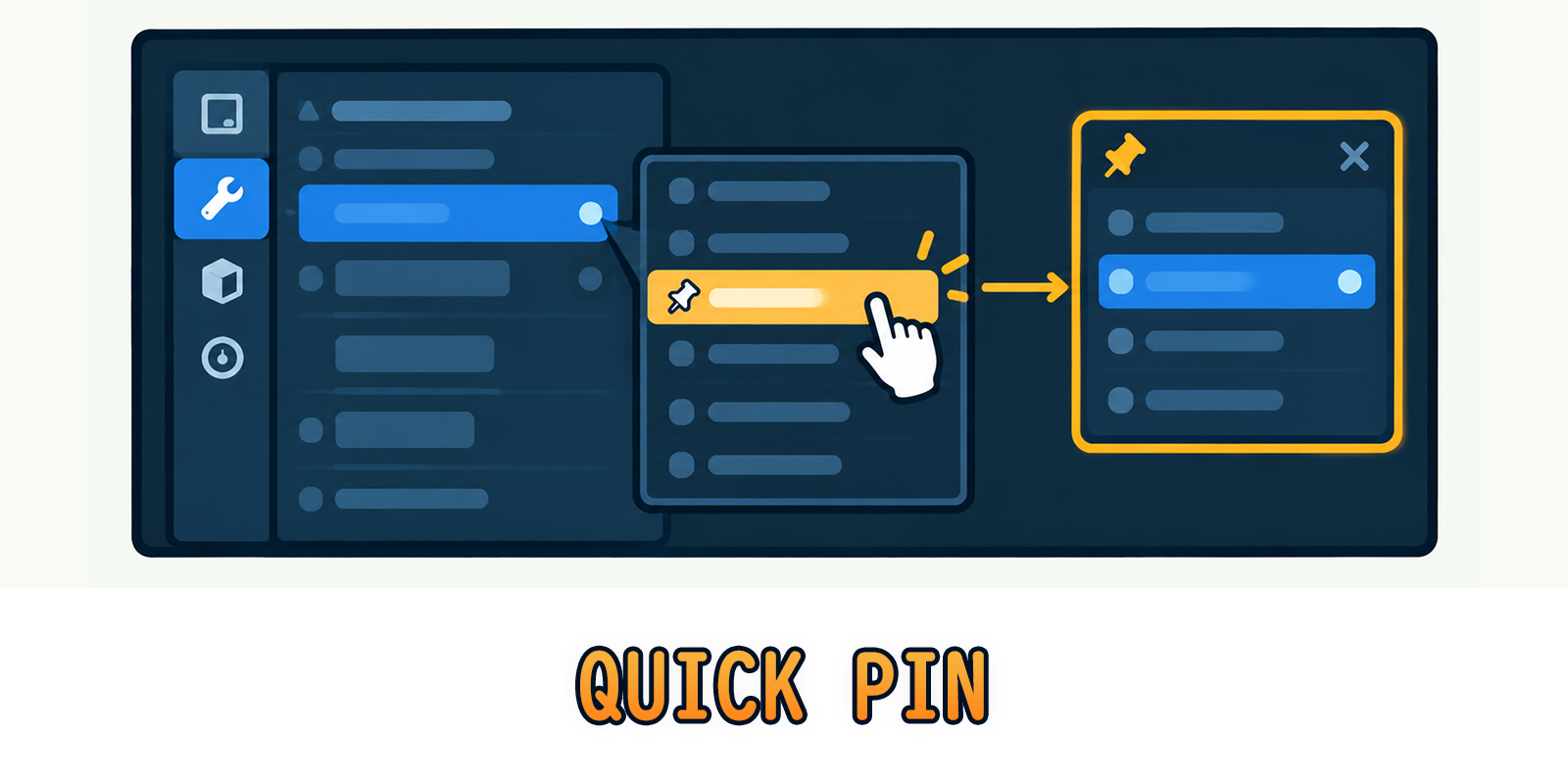
Right-click any property in Blender and pin it to a floating panel that stays open while you work. Samples, light power, subdivision levels: your go-to settings in one place, no more tab hopping.